How to Join Group ( Instruction )
- Normal Guy

- Apr 29
- 1 min read
Updated: Apr 29

Step by Step
Open Website - https://www.normalguy.co.in/
And Follow Red Arrow :)
Click on My Group Option

Then Click on Explore Groups
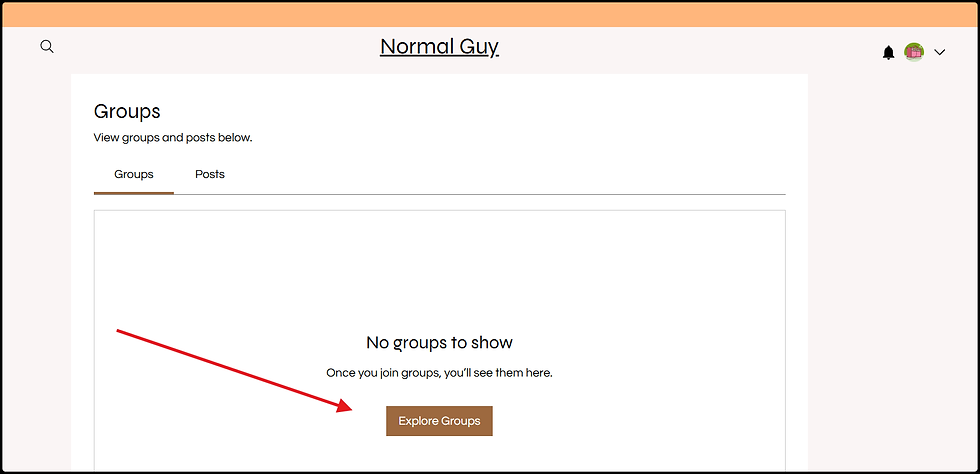
Click on Join button in Right side look at Red Arrow

When yu Click on Join, it will show yu Insight post what i share - on Discussion page okay and scroll up and down and read everything as yu want

If yu want to leave click on 3 dot and follow the red arrow

Now, paid members can directly access the Home Page, Group, and Chat easily.
These sections are now placed in the main frame of the website, so you do not need much hassle to read what I post in the group. You don’t have to go through multiple different clicks - just one or two clicks are enough.


Comments